Find which installed skills are used, estimate their context cost, and preview reversible changes before modifying your setup.
A fresh AI coding session can consume a surprising amount of context before you describe the task. Installed skills are one possible contributor: their names, descriptions, and locations can enter the agent’s discovery prompt even when their full instructions have not been loaded.
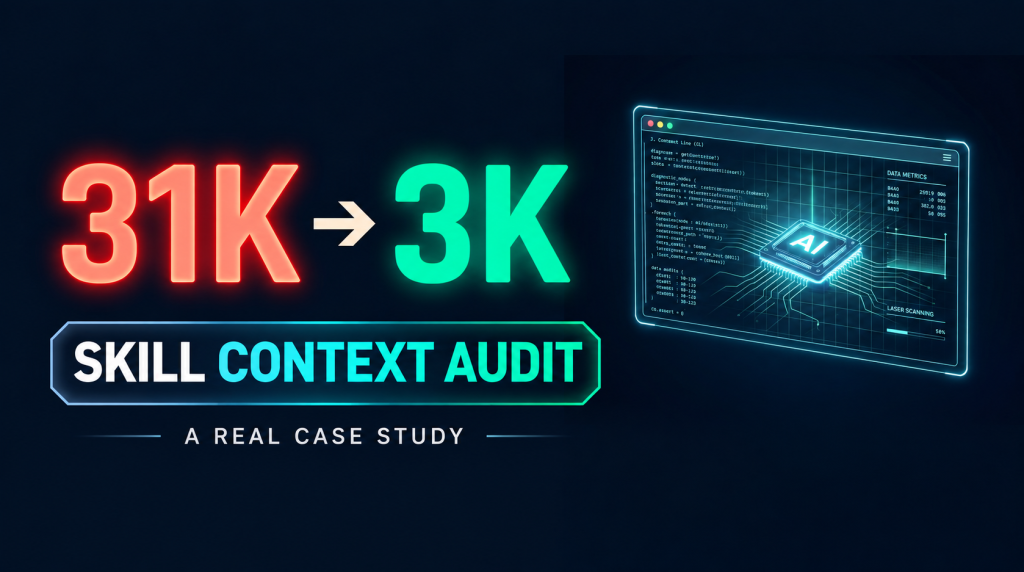
In my recorded Pi setup, 276 visible skills were associated with roughly 31K tokens of system-prompt overhead. Reducing the visible set to 16 brought that component to about 3K tokens. Total startup context went from roughly 32K to 4K. These are observations from that configuration, not a promised reduction for every agent.
The useful question is therefore practical: which skills justify being visible in your current environment, and which can remain available on demand?
Start with evidence, not the installation count
skill-context-doctor inspects installed skills and available local session history. It distinguishes usage evidence from a name merely appearing in a directory listing or search result.
One audit behind the original case examined 183 skills from an installed collection across 125 historical sessions. Six had invocation evidence, 103 were only mentioned, and 74 had no recorded appearance. That describes the logs inspected. Missing evidence can also mean incomplete history, an unsupported invocation pattern, or a skill installed for occasional work.
Do not turn “no verified use” into “never useful.” The audit is a way to make a review list.
Run the three read-only starting commands
With Node.js and npm available:
npx skill-context-doctor audit
npx skill-context-doctor recommend
npx skill-context-doctor optimize
The last command previews optimization. It does not apply changes unless you include --apply. The first invocation through npx may download the package; a global installation is optional:
npm install -g skill-context-doctor
skill-context-doctor audit
For repeatable team instructions, record the package version you reviewed rather than relying indefinitely on the latest release.
Read the audit correctly
The report separates discovered skills from installations. A single skill can appear in several agent roots or through symlinks, so the installation count can exceed the unique-skill count.
Look for four signals:
- Visibility: is the skill marked as available for automatic model invocation?
- Usage: does supported session history contain an invocation or instruction-file read?
- Health: is the installation intact, duplicated, or a broken link?
- Estimated cost: how much metadata would the tool attribute to the visible inventory?
The project supports history inspection for Pi, Claude Code, Codex, OpenCode, and Cursor. The available evidence depends on the client’s log format and which history exists locally.
Estimated metadata tokens are not a measurement of your complete live prompt. Tool definitions, workspace instructions, conversation history, and client-specific loading behavior can contribute separately. Compare the estimate with the actual context meter in the agent you use.
Review the recommendations
The tool uses explicit rules to assign recommendations:
| Action | How to use it |
|---|---|
| KEEP | Retain skills with recent verified use or protected roles. |
| HIDE | Review low-use visible skills whose metadata contributes overhead. |
| REVIEW | Inspect shared installations, duplicates, damaged links, or ambiguous evidence. |
| REMOVE CANDIDATE | Consider optional reversible cleanup of already hidden, unused candidates. |
A recommendation is not an instruction to delete a directory. In particular, shared skills may serve more than one agent.
Apply a small change, then measure
Start with a single skill that you have reviewed:
npx skill-context-doctor optimize --apply --only xlsx
The xlsx name is an example; replace it with a skill identified in your own report. You can also limit a batch or protect a frequently needed entry:
npx skill-context-doctor optimize --apply --limit 3
npx skill-context-doctor optimize --apply --keep hyperframes
Optimization adds disable-model-invocation: true to eligible SKILL.md frontmatter. It retains the skill files. Whether the client honors that setting, and how you invoke a hidden skill manually, depends on the client; verify both before expanding the change to other roots.
Open a fresh session, compare startup context, and run an actual task that uses one of your retained skills. A lower token count is useful only if the setup still supports your work.
Undo without overwriting later edits
The tool keeps byte-level backups and checks hashes around writes and restoration. To restore the last run:
npx skill-context-doctor undo latest
If you edited a skill after optimization, undo can refuse to overwrite it with CONFLICT_AFTER_OPTIMIZE. Review that conflict rather than treating it as a failed optimization. The protection is intended to preserve newer edits.
Optional cleanup is a separate operation that quarantines eligible removal candidates. It is not required for reducing visible metadata; finish the visibility review first.
Export results for a repeatable workflow
npx skill-context-doctor audit --json
npx skill-context-doctor recommend --json
npx skill-context-doctor optimize --json
A useful review record includes the package version, roots scanned, available history, the proposed changes, and a before/after measurement from the actual agent. Keep exports containing local paths or session evidence private unless you have checked their contents.
For my setup, reducing a large default inventory made a measurable difference. For another setup, the right outcome might be keeping most skills visible. The purpose is to connect the installation inventory to real use.
Project and case record
- Source, installation guide, and issue tracker
- Original case record in Chinese
- License: MIT; derived from skillkill, with attribution retained.
The case figures above come from the original recorded environment. The commands and workflow were checked against the project’s current documentation for this English edition; the benchmark was not rerun for this article.
About The Author